Quick Start
Prepare Code
Create a file named hello.py with the following content:
print("hello")
Package APP
The code files need to be packaged into a Cassia APP package before they can be uploaded and run. A sample packaging script is as follows:
After successful execution, you will see hello.1.0.tar.gz in the build directory.
#!/bin/bash

NAME_VER=hello.1.0
TAR_GZ=${NAME_VER}.tar.gz

rm -rf build/"$NAME_VER"
rm -rf "$TAR_GZ"

mkdir -p build/"$NAME_VER"
cp hello.py build/"$NAME_VER"

cd build || exit
gtar -zcvf "$TAR_GZ" "$NAME_VER" || tar -zcvf "$TAR_GZ" "$NAME_VER"

ls -lh "$NAME_VER".*

cd - || exit
Upload APP
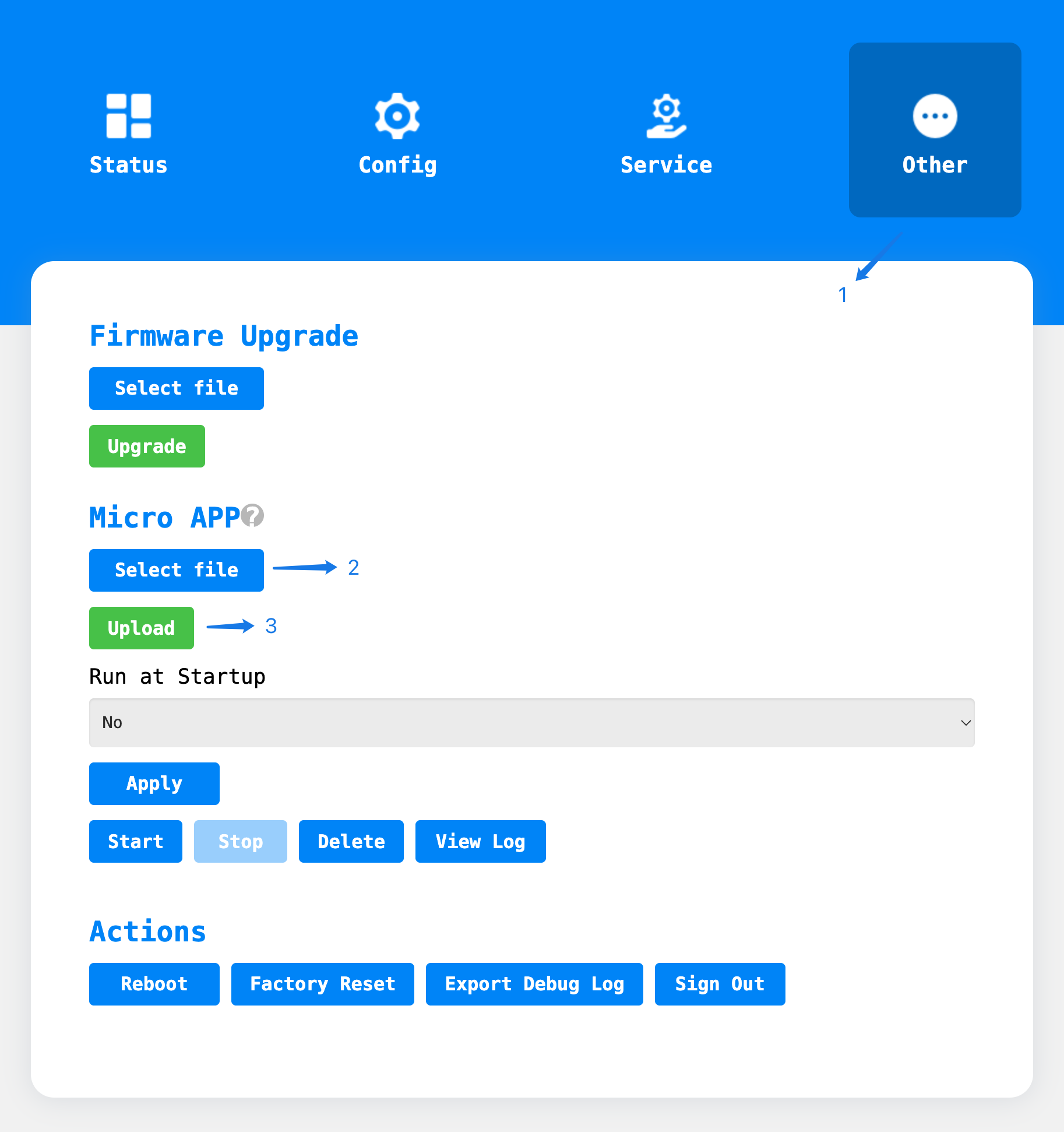
First, go to the
Otherpage and navigate to theMicro APPsection.Click the
Select filebutton and choose thehello.1.0.tar.gzfile.Click the
Uploadbutton to upload the APP file.Wait for the prompt indicating that the upload was successful.
Run the APP
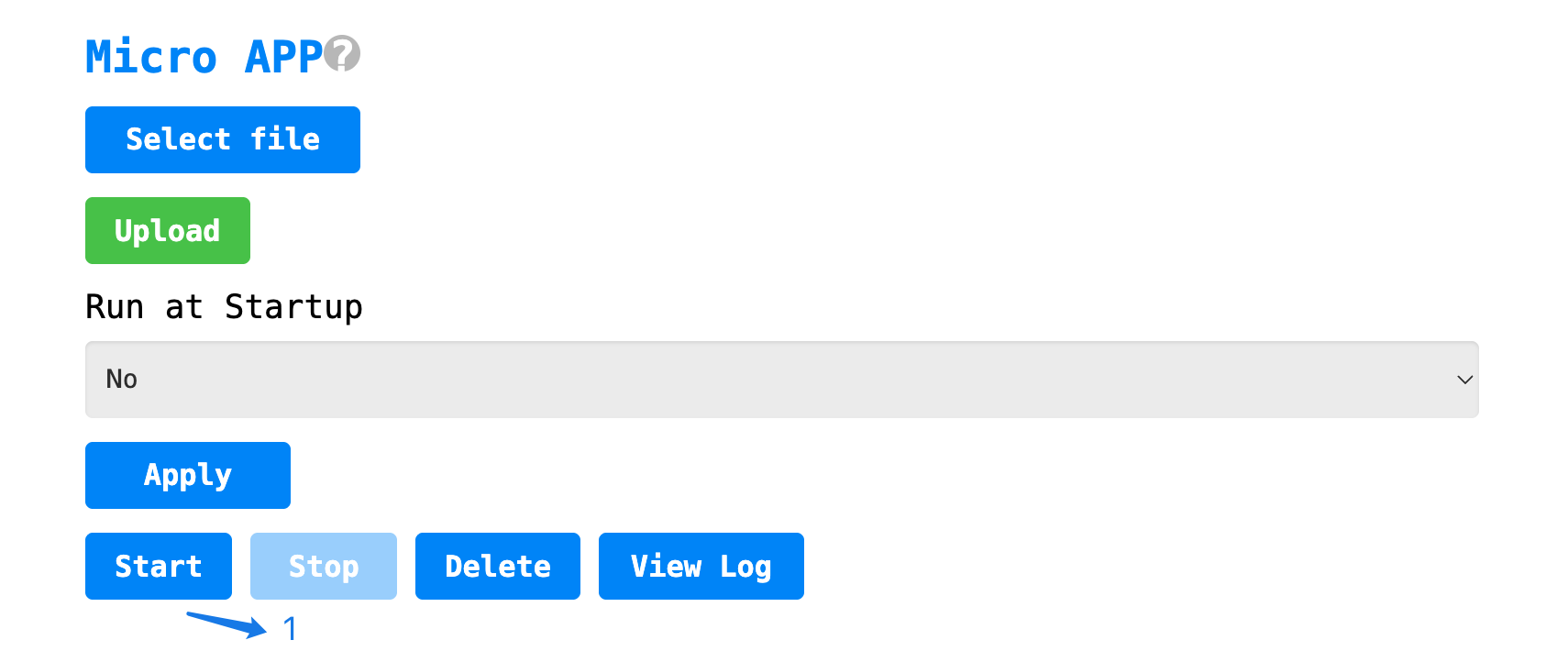
Click the
Startbutton to run the APP.
View the Results
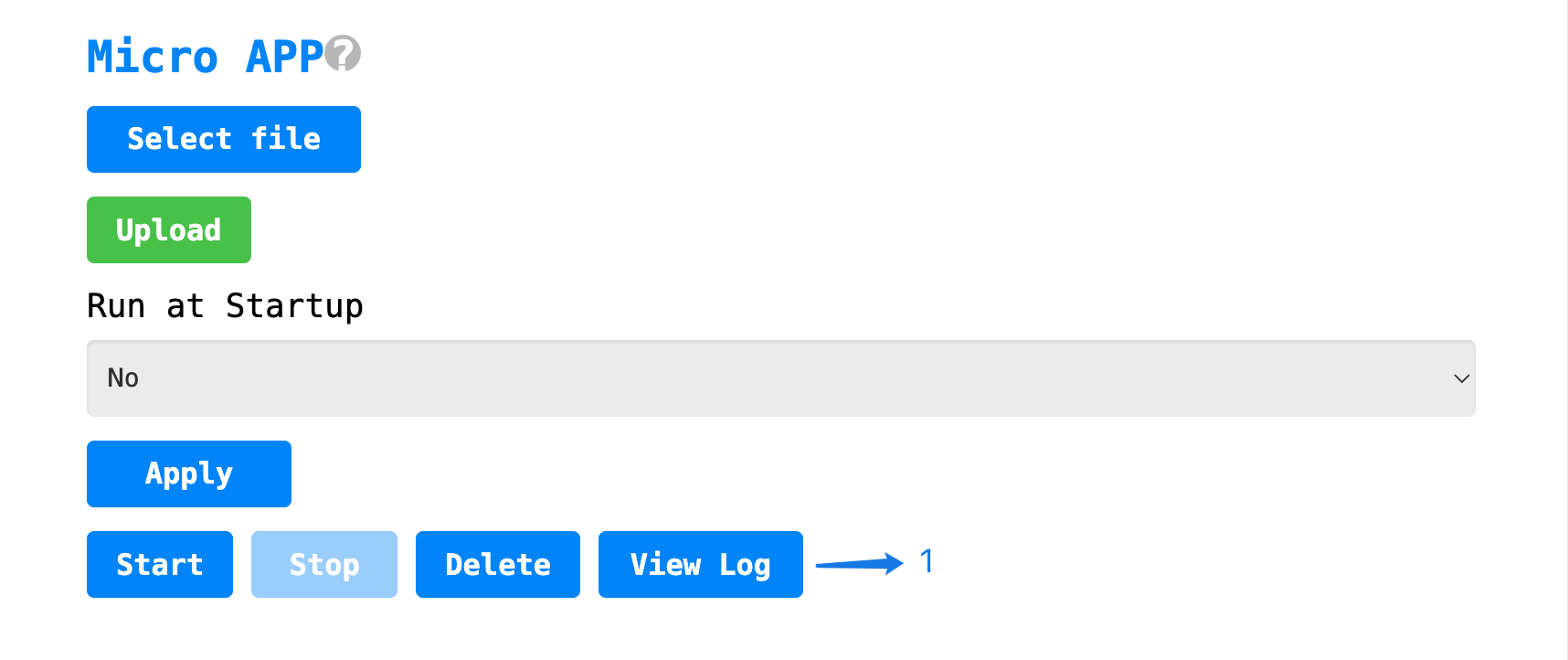
Click
View Log, the normal output result ishello.
Stop the APP
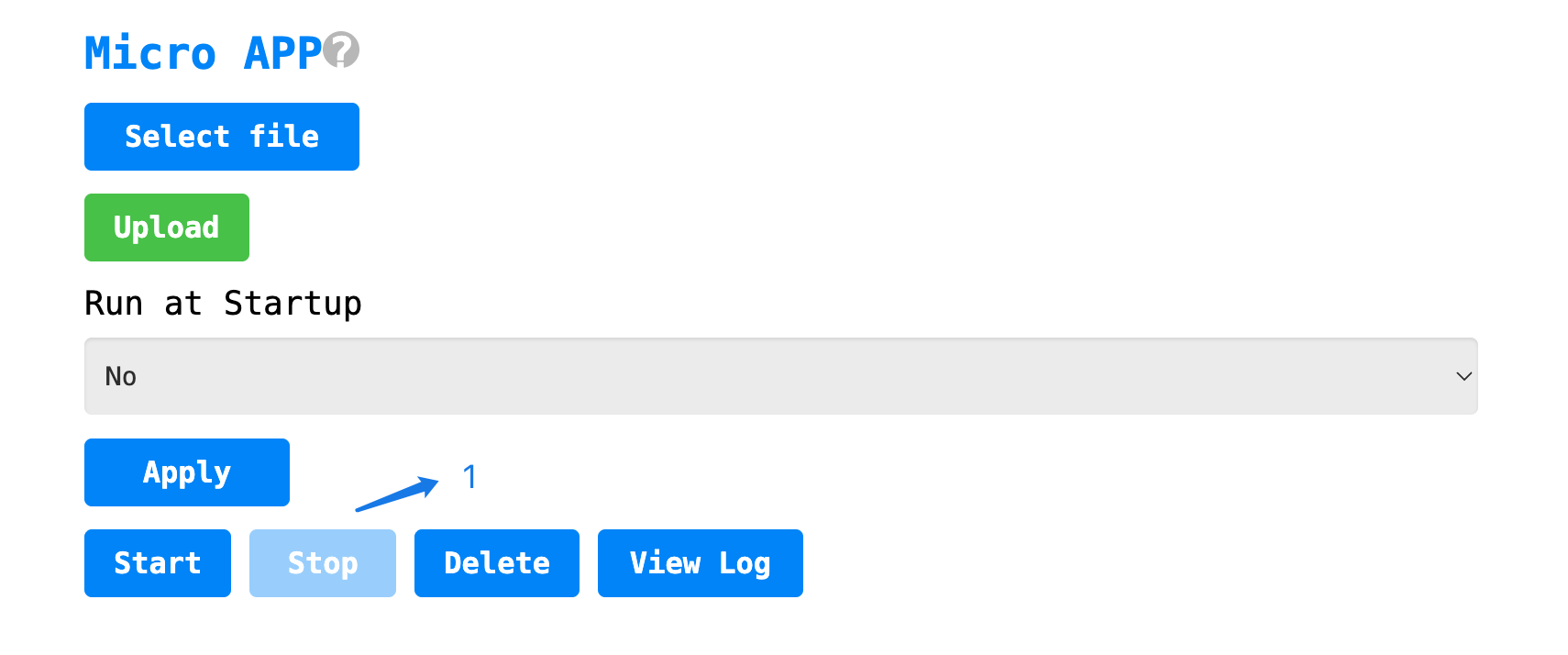
Click the
Stopbutton to stop the APP.
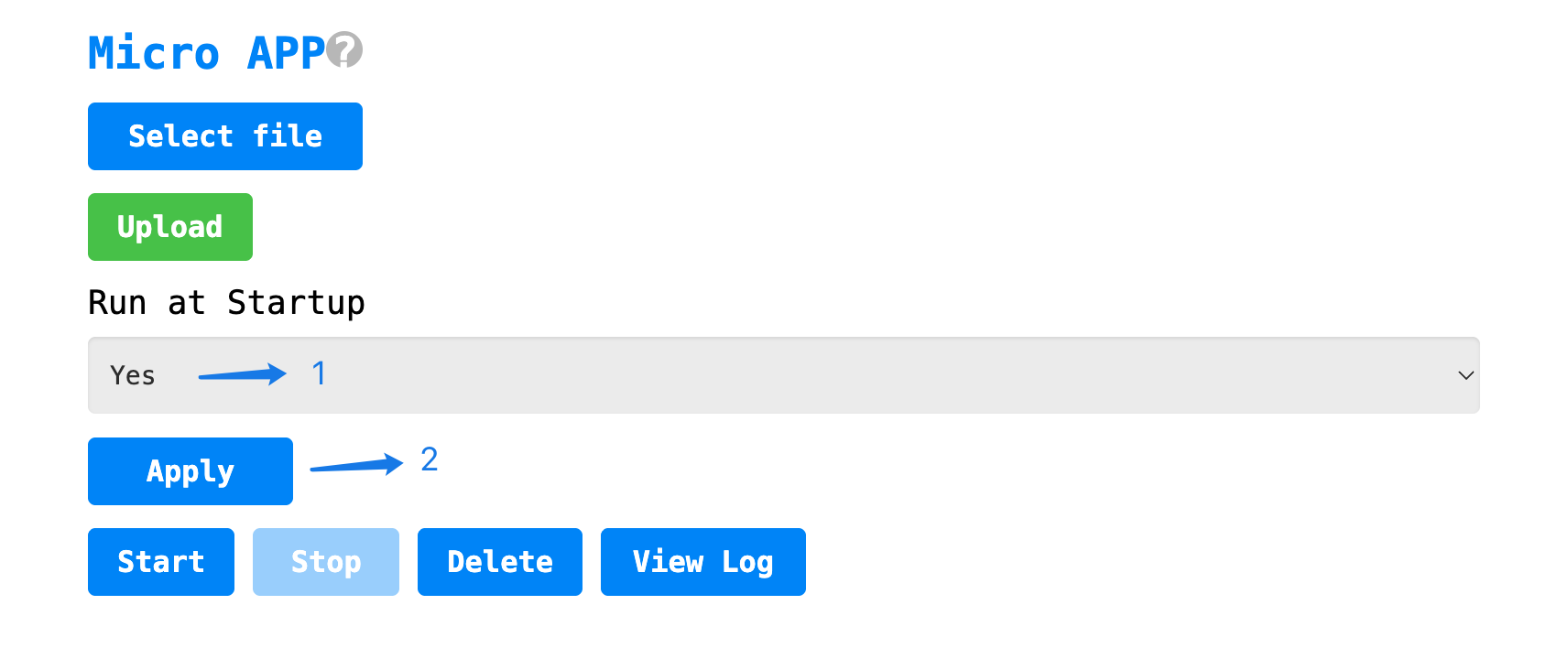
Run on Startup
Set
Run at StartuptoYes.Click the
Applybutton to save the configuration.Wait for the gateway to complete startup, then check the results.
Caution
The gateway will automatically restart for configuration changes to take effect.
The gateway will automatically run the APP 30 seconds after reboot.
Enable it only after completing the stability test in the app.
Call API
The following example demonstrates using the gateway to scan nearby BLE devices. For more examples and detailed explanations, please refer to the API section.
import asyncio
import cassiablue


async def main():
    print("start scan")

    ok, _ = await cassiablue.start_scan("active=1&filter_duplicates=1000")
    print(type(ok), ok)

    if not ok:
        return

    async for dev in cassiablue.scan_result():
        print(type(dev), dev)
        await asyncio.sleep_ms(5)


asyncio.run(main())